Resetting Your Password
You can reset your password in the mobile app.
To reset your password
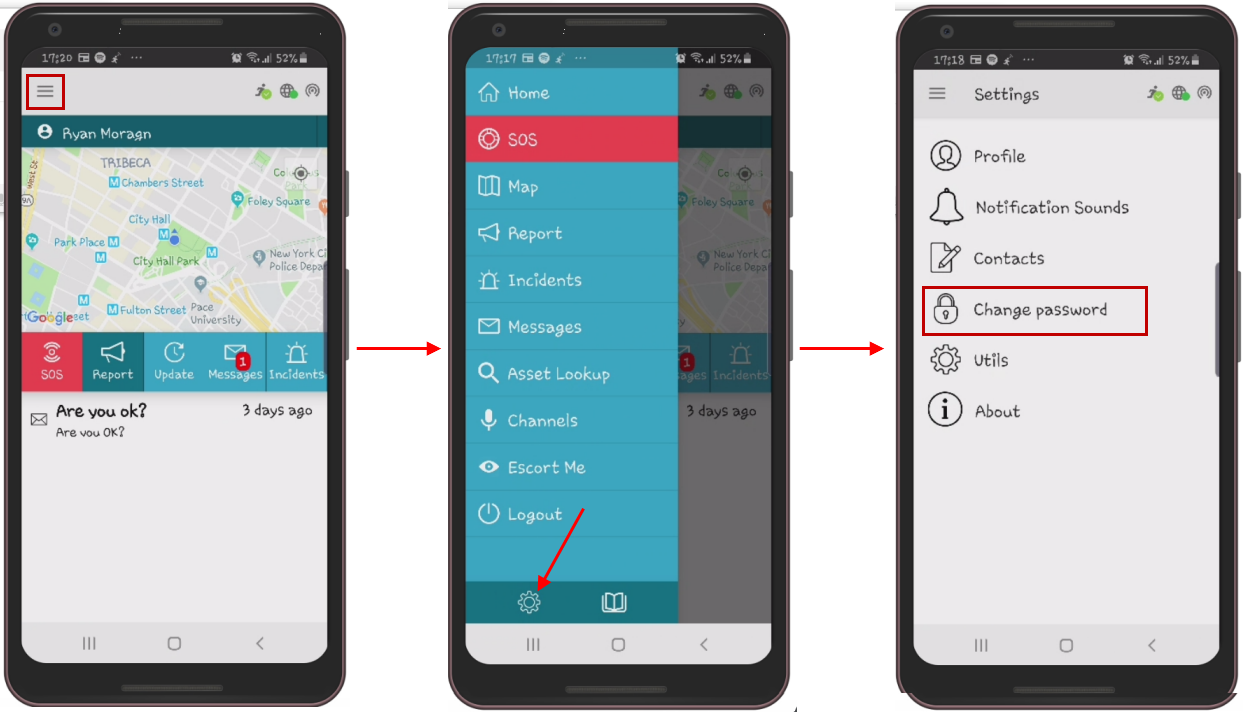
- On the Home screen, tap the
 (Menu icon).
 - At the bottom left of the Menu page, tap the
 (Settings icon).
 - Tap Change password.
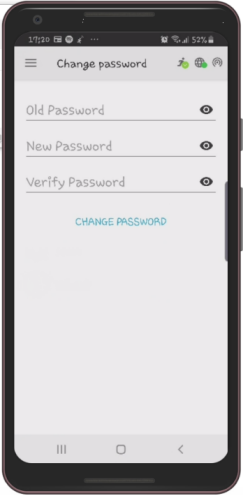
- Enter your old password in the Old Password field.
- Enter the new password in the New Password and Verify Password fields.
- Tap CHANGE PASSWORD.
The password is changed.
The Change password screen appears.